Filing Nil Returns means submitting a tax return to KRA showing that you earned no taxable income during the tax year — even if you had a valid KRA PIN. This is a legal requirement for all registered taxpayers with no income and helps you stay compliant with Kenyan tax laws.
1. Know If You Should File Nil Returns
You need to file Nil Returns if:
- You have a valid KRA PIN.
- You didn’t earn income from employment, business, rents, freelance work, or other taxable sources in the year.
- You’re a student, unemployed, job seeker, or temporarily inactive taxpayer but still have an active PIN.
Even if you earned no money, you are legally required to file your returns before the deadline each year (usually June 30th) or risk penalties
2. Prepare What You Need
Before you start, have:
- Your KRA PIN number.
- Your iTax password.
- Access to the internet and a modern browser (like Chrome, Firefox, Safari).
If you forget your password, use the Forgot Password/Unlock Account feature on iTax to reset it.
3. Log in to the iTax Portal
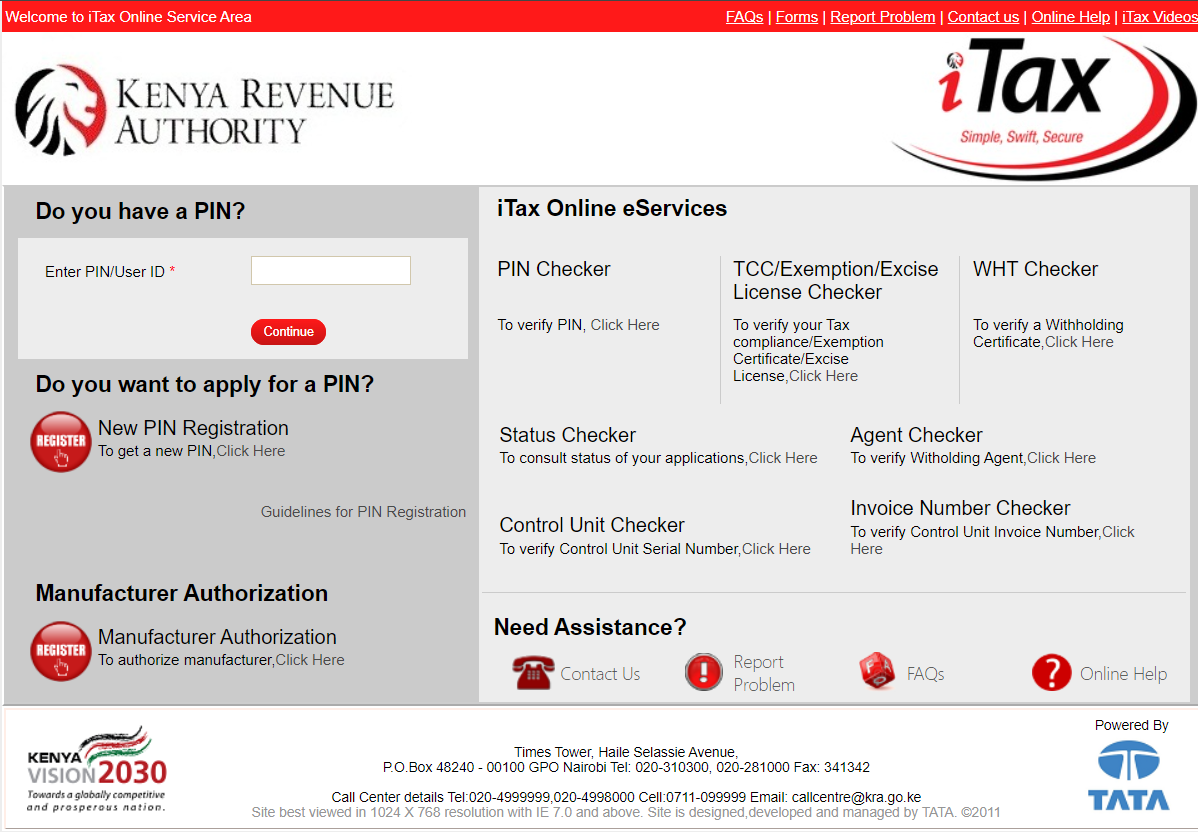
- Open your browser and go to the official iTax portal:
https://itax.kra.go.ke. - Enter your KRA PIN and click Continue.
- On the next screen, type your iTax password.
- Solve the simple arithmetic question (security stamp) to verify you’re human.
- Click Login to access your dashboard.
💡 The security stamp is included to protect your account and prevent automated access.
4. Navigate to the Nil Returns Section
- Once logged in, find the “Returns” tab on the main menu.
- Click on Returns to open the dropdown.
- Select File Nil Return from the options available.
5. Complete the Nil Return Form
On the Nil Return page:
- Select “Type” — usually choose Self if you’re filing for yourself.
- Tax Obligation — choose Income Tax – Resident Individual (or the correct category if you’re non‑resident or for another obligation).
- The Return Period (From and To) will often be auto‑populated with the correct dates (e.g., 01/01/2025 to 31/12/2025).
- Click Submit to file your Nil Return.
- Confirm if prompted that you’re sure you want to file a Nil Return.
📌 Make sure your PIN and obligation type are correct before submitting — if you have income to declare, you should file a regular return instead.
6. Download Your Acknowledgement Receipt
Once your Nil Return is successfully submitted:
- An e‑Return Acknowledgement Receipt will appear.
- Click Download to save the PDF receipt.
- You can print or save this for your records — it’s proof you filed on time.
This receipt shows:
- Your KRA PIN
- Date of filing
- Return type and period
- A unique acknowledgement number
Keeping this document is important if KRA asks for compliance verification later.
7. Optional: Apply for a Tax Compliance Certificate (TCC)
After filing your Nil Return, you can apply for a Tax Compliance Certificate (TCC) if needed for jobs, tenders, loans, or business:
- Go back to your iTax dashboard.
- Click Compliance from the menu.
- Choose Apply for Tax Compliance Certificate.
- Fill in required details and submit.
- KRA typically processes TCCs within a few days.
8. What Happens If You Don’t File
Failing to file your Nil Returns by the deadline can lead to penalties — usually a Ksh 2,000 fine for individuals, even if no tax is due.
Penalties and interest can accumulate over time, affecting your compliance status and ability to access services like TCCs when you need them most.
9. Tips for a Smooth Filing Experience
- File early — don’t wait until June 30th.
- Save your receipt immediately after filing.
- Double‑check your PIN details before submitting.
- If the portal shows errors, clear your browser cache or try a different browser.
- Keep your email and phone contacts updated on iTax so KRA can reach you.
Summary
Filing Nil Returns on KRA iTax is simple if you follow the steps above. It keeps your tax status compliant with Kenyan law, avoids penalties, and lets you access official certificates when needed. Always file before the annual June 30th deadline and keep your acknowledgement receipt safe.